
Describe the handling unit
A SKU is not a handling unit. Record tote dimensions, weight distribution, packaging stability and identification, including empty totes and partial loads. Observe how items arrive at the workstation and how replenishment associates inventory with the tote. A container suitable for manual shelves may need review before automated transfer. Include damaged labels, short picks and irregular contents in the exception policy. The objective is an agreed handling envelope, not an assumption that every small item fits the same automated arrangement. Operators should help describe the variation that a static SKU list can miss.
Trace access through shared resources
An aisle-based crane and shuttle arrangement organise storage access differently. Map the complete path through storage, lifting or transfer, workstation queues and return. A fast component can wait for a shared interface. Build demand scenarios from order lines, tote visits and replenishment activity. Examine peak combinations rather than multiplying a component maximum into warehouse throughput. A capacity assessment needs the proposed layout, equipment configuration and task sequencing. The comparison should state those assumptions clearly so a change in the order profile does not invalidate an unexplained performance expectation.
Include the workstation process
Goods-to-person changes where walking occurs, but does not remove every decision or handling step. Describe order identification, tote presentation, discrepancy handling and consolidation. Review ergonomics and safe access alongside software prompts. Compare replenishment, picking and returns in one sequence; they may share transfer equipment. Discuss buffers only after their purpose is clear: separating duties, protecting a handoff or accommodating normal demand variation. A workstation drawing should explain how exceptions are handled without silently stopping the whole flow. The appropriate layout follows the people and loads using it.
Choose from a documented design basis
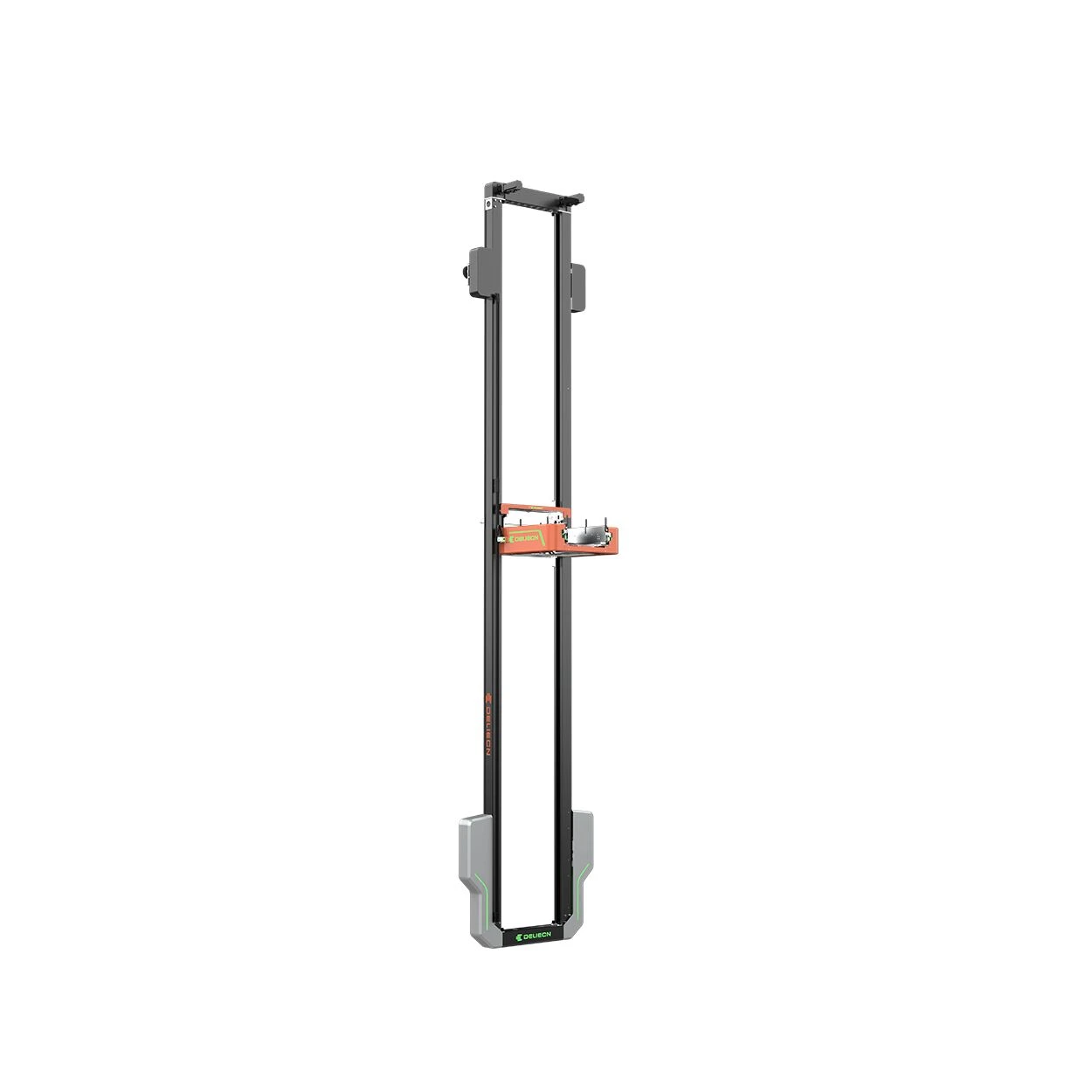
A proposal should state load envelopes, storage arrangement, workstation demand, interfaces and expansion assumptions. Identify building constraints separately from technology limits. Keep projected capacity separate from contractual acceptance requirements. Related technologies can include tote shuttles, miniload cranes, Mini-FlyBox and conveyors, with configuration-specific suitability. A Mini-FlyBox / tote-shuttle comparison should review horizontal and vertical access, shared transfers and the workstation demand against the offered configuration. CoreLogis translates the operating profile into a comparison basis before selecting a family. Compare architecture options against the same demand profile, transfer constraints, workstation requirements and acceptance criteria. Request supporting configuration documentation and compare the complete scope, including integration and recovery.